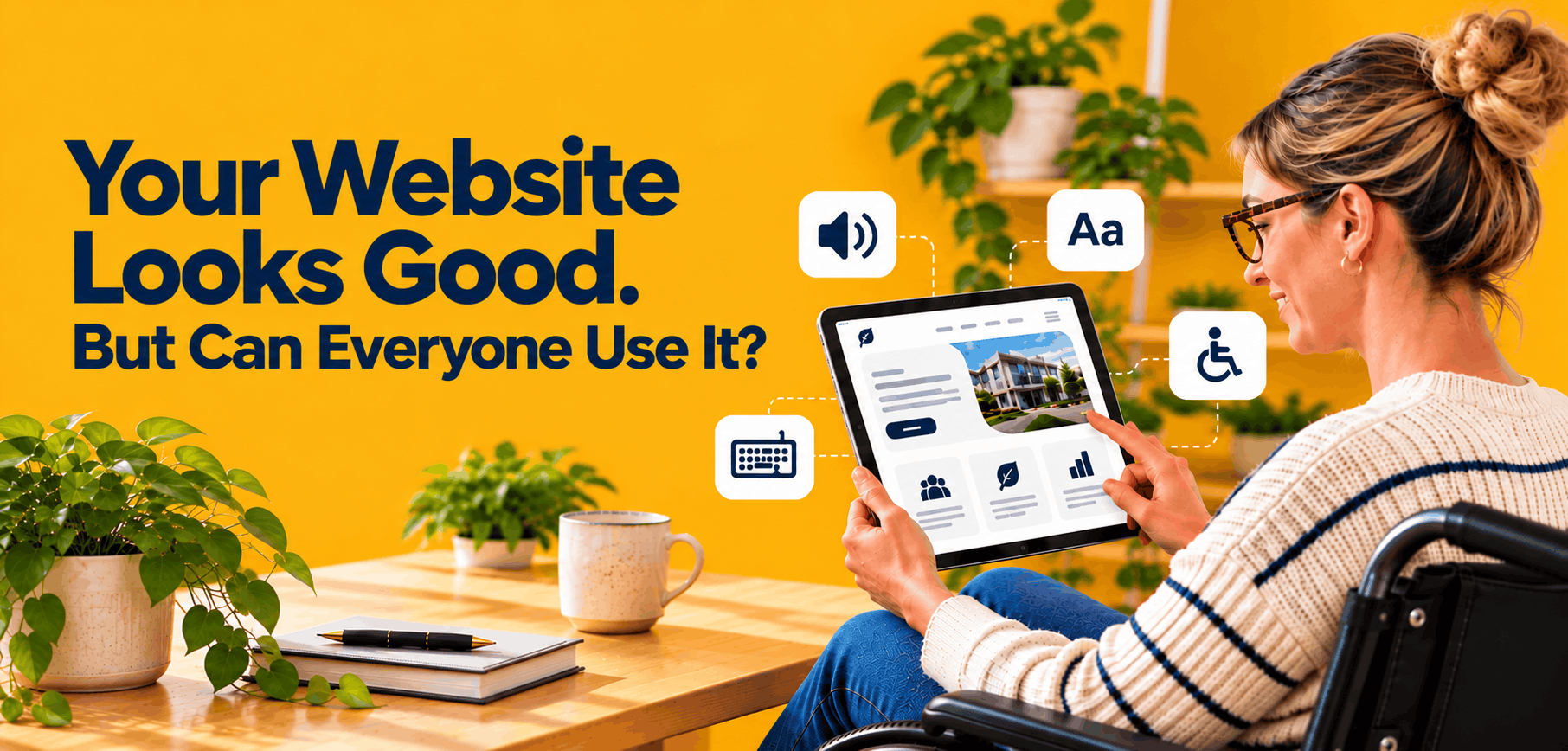
Your Website Looks Good. But Can Everyone Use It?
Posted on October 11, 2026
Why website accessibility should be part of the design process—not an afterthought.
A website can have beautiful visuals, compelling content, and a polished brand identity and still be difficult for people to use.
Imagine a potential customer visiting your website but being unable to navigate the menu using a keyboard. A prospective employee tries to submit an application but cannot understand the form fields with a screen reader. A community member wants to register for an event, but the text is too small to read or the buttons are difficult to select on a mobile device.
These aren’t just design inconveniences. They can prevent people from accessing information, services, opportunities, and resources.
Website accessibility means designing and developing digital experiences that people with disabilities can perceive, understand, navigate, and use. It should be considered from the beginning of a project—not added after a website is already built.
For businesses, government agencies, universities, and nonprofit organizations, accessibility is an important part of delivering a digital experience that works for the people it serves.
What Is Website Accessibility?
Website accessibility is the practice of designing and developing websites so people with different abilities can access and interact with digital content.
This includes people who are blind or have low vision, people who are deaf or hard of hearing, individuals with mobility or dexterity disabilities, and people with cognitive or learning disabilities. It can also benefit people experiencing temporary limitations, such as an injury, or situational challenges, such as using a device in bright sunlight or navigating a website in a noisy environment.
Accessible web design considers how people interact with digital content using different tools and methods, including screen readers, keyboard navigation, voice recognition software, captions, and browser magnification.
The World Wide Web Consortium (W3C) organizes its Web Content Accessibility Guidelines (WCAG) around four principles:
- Perceivable: People must be able to perceive the information presented.
- Operable: People must be able to navigate and interact with the interface.
- Understandable: Content and functionality should be clear and predictable.
- Robust: Content should work reliably with different browsers and assistive technologies.
These principles provide a foundation for creating more inclusive digital experiences. Learn more in the official WCAG guidance from W3C.
7 Website Accessibility Issues Organizations Should Address
Accessibility involves more than adding an accessibility statement or installing a plugin. It requires attention to the design, content, functionality, and underlying code of a website.
Here are seven areas organizations should evaluate.
1. Keyboard Navigation
Not everyone uses a mouse to navigate a website. Some people rely on a keyboard or alternative input devices to move through menus, links, forms, and interactive elements.
A website should allow users to navigate interactive elements using a keyboard, identify which element currently has focus, and operate important functionality without being forced to use a mouse.
Dropdown menus, pop-ups, navigation controls, and forms deserve particular attention.
Ask yourself: Can someone navigate your website and complete its primary tasks without using a mouse?
2. Color Contrast and Readable Text
A visually appealing color palette does not automatically create an accessible experience.
Text that blends into its background can be difficult for people with low vision or color vision deficiencies to read. Small text, cramped layouts, and unclear visual hierarchy can create additional barriers.
Designers should evaluate text and background contrast, typography, spacing, and readability across different devices.
WCAG 2.1 Level AA generally requires a contrast ratio of at least 4.5:1 for normal text and 3:1 for large text, subject to specified exceptions.
Accessible design does not mean abandoning a brand’s visual identity. It means applying that identity thoughtfully so the content remains usable.
3. Alternative Text for Images
Images can communicate important information, but people using screen readers may not receive that information unless appropriate text alternatives are provided.
Alternative text, commonly called alt text, describes the purpose or meaningful content of an image when a text alternative is needed.
For example, a meaningful image showing a community health outreach event might need alt text describing the event and its relevant context. A purely decorative image may need to be ignored by assistive technology instead.
The goal is not to describe every pixel. It is to communicate the information a person needs to understand the page.
Organizations should also review charts, diagrams, infographics, and other images that contain important information.
4. Accessible Forms and Buttons
Forms often stand between users and the services they need.
Consider an online application, appointment request, donation form, contact form, or event registration page. If a form has unclear labels, confusing error messages, or buttons that are difficult to operate, users may be unable to complete the process.
Accessible forms should include clear labels, understandable instructions, useful error messages, and logical navigation. Interactive controls should also be identifiable and usable with assistive technologies.
Testing should cover the entire process—not just whether the form looks correct.
5. Video, Audio, and Multimedia
Videos can make a website more engaging, but multimedia must also be accessible.
Depending on the content, accessibility considerations may include accurate captions, transcripts, audio descriptions, and accessible media-player controls.
Captions help people who are deaf or hard of hearing follow spoken content. Transcripts can provide another way to access audio information and may also help people who prefer reading.
If your organization publishes training videos, interviews, webinars, or public service announcements, include accessibility in the production process.
6. Mobile Accessibility and Responsive Design
A website that works on a desktop computer may create problems on a smartphone or tablet.
Buttons may be difficult to select, text may be too small, content may require unnecessary horizontal scrolling, or interactive elements may not work as expected with assistive technologies.
Responsive design helps a website adapt to different screen sizes, but responsiveness alone does not guarantee accessibility.
Organizations should test important user journeys across devices, including navigation, searching for information, completing forms, and accessing downloadable documents.
7. Clear Content and Consistent Navigation
Accessibility also depends on how information is organized and communicated.
Descriptive headings, meaningful link text, plain language, consistent navigation, and clearly structured content can help people understand a page and find what they need.
For example, a link labeled “Read our accessibility policy” communicates more than a link labeled “Click here.”
Using headings in a logical order also helps users scan content and allows assistive technology users to navigate sections more efficiently.
Clear content benefits everyone, including people using mobile devices, people with limited time, and visitors who are unfamiliar with your organization.
Why Accessibility Should Be Part of the Design Process
When accessibility is considered early, organizations can incorporate it into the website’s visual design, content structure, development standards, and testing process.
When it is postponed until launch, teams may need to revisit design decisions, rebuild components, rewrite content, or correct underlying code.
An accessibility-focused design process can include:
- Discovery and planning: Identify the audiences, tasks, and barriers that matter most.
- UX and interface design: Consider contrast, focus indicators, readable typography, clear navigation, and accessible interaction patterns.
- Development: Build semantic page structures and functional components that support assistive technologies.
- Content creation: Use meaningful headings, appropriate alt text, descriptive links, captions, and accessible documents.
- Testing and remediation: Combine automated scans with manual testing, keyboard testing, and assistive technology testing where appropriate.
- Ongoing maintenance: Review new pages, forms, documents, templates, and website updates as the site evolves.
Accessibility is not a one-time task. A redesign can introduce new issues, and routine content updates can create barriers if accessibility is not part of the organization’s workflow.
Are Accessibility Plugins Enough?
Accessibility widgets and plugins may offer helpful features, but installing one does not automatically make a website accessible or establish conformance with WCAG.
A tool may provide options such as text adjustments or contrast settings while leaving underlying issues unresolved. Problems with keyboard navigation, page structure, form labels, alternative text, and custom interactive components may require changes to the website itself.
Automated testing tools are useful for identifying certain issues, but they cannot detect every accessibility barrier.
A more reliable approach combines automated checks, manual testing, technical remediation, and review of the actual tasks users need to complete.
The goal is not simply to display an accessibility icon. It is to make the website work.
What About WCAG, Section 508, and ADA Requirements?
Organizations often encounter three terms when researching website accessibility: WCAG, Section 508, and the Americans with Disabilities Act (ADA).
They are related, but they are not interchangeable.
WCAG is a set of technical guidelines for making web content more accessible. WCAG 2.1 and WCAG 2.2 contain testable success criteria at Levels A, AA, and AAA.
Section 508 establishes accessibility requirements for covered information and communication technology used by federal agencies. Its standards incorporate WCAG requirements for covered web content.
The ADA prohibits disability discrimination in covered contexts. Specific requirements depend on the applicable ADA title, organization, and circumstances.
For example, the U.S. Department of Justice’s Title II web accessibility rule establishes WCAG 2.1 Level AA as the technical standard for covered state and local government web content and mobile applications. In April 2026, the Department extended the compliance dates: covered public entities serving populations of 50,000 or more generally have until April 26, 2027, while smaller public entities and special district governments generally have until April 26, 2028.
These dates apply to the covered state and local government requirements; they should not be treated as universal deadlines for every business or organization.
Organizations should identify the standards and legal obligations applicable to their circumstances and consult qualified legal counsel when they need advice about compliance.
Accessibility Is an Ongoing Responsibility
A website does not become permanently accessible just because it passed a test at launch.
New content, staff changes, third-party integrations, redesigned templates, and updates to forms can introduce new barriers. Organizations need processes that help their teams maintain accessibility over time.
This is especially important for larger organizations with multiple departments contributing to the same website.
Content management system training, approved templates, publishing guidelines, defined responsibilities, and routine accessibility reviews can help employees publish content more consistently.
Accessibility should be part of website governance—not a responsibility that rests entirely on one developer or gets revisited only when a problem arises.
Designing Digital Experiences That Work for Everyone
A successful website does more than look professional. It helps people find information, complete tasks, and access the services they came for.
Accessibility connects design, development, content strategy, and user experience. It encourages organizations to look beyond how a website appears and consider how people actually use it.
At Badie Designs, we believe accessibility should be considered throughout the digital experience, from planning and UX/UI design through development, testing, and ongoing website improvements.
Whether your organization is planning a new website, updating an existing platform, or reviewing its accessibility practices, starting with the user experience can help you identify barriers and establish a practical path forward.
Is your website working for everyone who needs to use it?
Contact Badie Designs to discuss website accessibility, UX/UI improvements, and digital experiences designed around the needs of your audience.